On this page
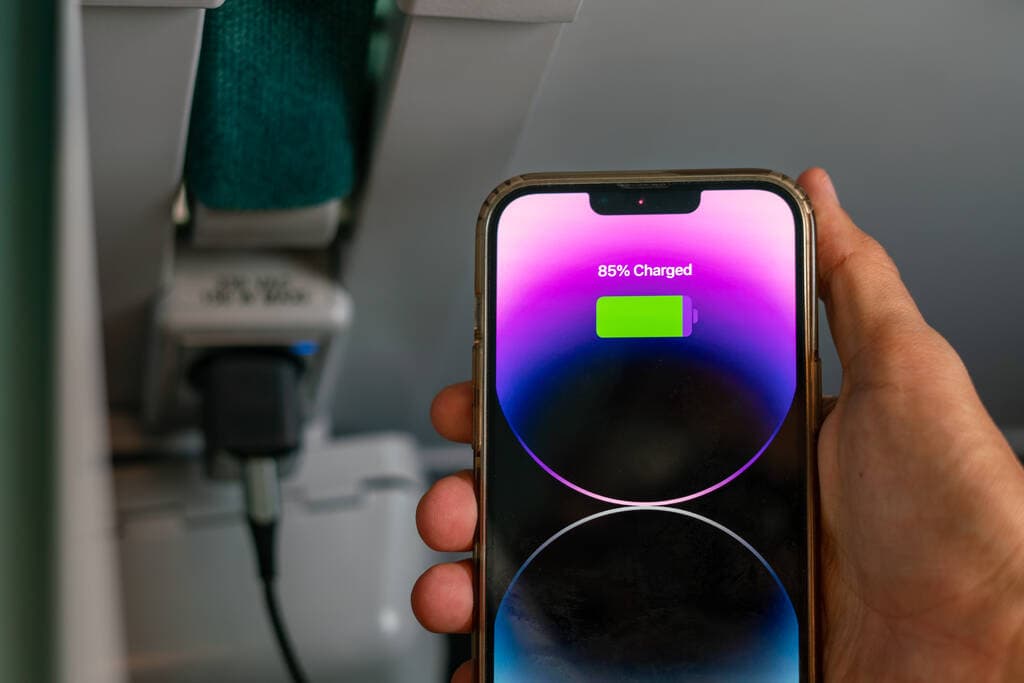
eSIM battery drain is a common concern, especially when you travel and notice your phone losing power faster than usual. In most cases, your eSIM is not the real cause.
Your battery life is usually affected by weak signal, roaming behavior, 5G searching, dual SIM use, and heavy travel habits like maps, hotspot use, and constant screen time. At Roamix, this comes up often with travelers who want simple travel connectivity without giving up battery life.
In real use, the biggest battery issues usually show up after landing, during border crossings, or when your phone keeps trying to connect to more than one network at once. If you are dealing with eSIM battery drain, the fix is usually not replacing your eSIM. It is changing your network and SIM settings.
Key Takeaways
- eSIM itself uses about the same power as a physical SIM.
- Travel conditions often drain your battery faster than the SIM type.
- A few setting changes can make a clear difference on iPhone and Android.
The Short Answer: What Actually Uses Battery
Your phone does not burn through power because the SIM is digital. It burns power because the modem is working harder to find, hold, and use a mobile connection.
That applies whether you use an eSIM, a physical SIM, or compare eSIM vs physical SIM side by side.
Why eSIM and Physical SIM Use the Same Modem
If you have ever asked what an eSIM is, the easiest answer is this: it is an embedded SIM, or digital SIM card, built into your device. It stores your subscriber profile digitally instead of on a plastic card.
The important part is that both eSIM and physical SIM rely on the same phone modem. The modem handles the real radio work, not the SIM format itself.
That is why eSIM battery life is usually comparable to a regular SIM.
What an Embedded SIM Does During Network Authentication
Your embedded SIM gives the phone the credentials it needs for network authentication. That process includes identifying your line, confirming access, and connecting you to the mobile network.
This step uses some power, though it is usually small and brief. The larger battery hit comes when authentication repeats often because of unstable roaming, dropped coverage, or constant reconnection.
Why Travel Can Make Battery Drain Feel Worse
Travel changes network behavior. Your phone may roam, switch carriers, scan for coverage, and reconnect after flights or border crossings.
Many travelers ask whether eSIM drains battery or whether eSIM uses more battery. In practice, travel conditions are usually the reason drain increases.
The Biggest Causes of Fast Battery Loss Abroad
When your battery drops quickly overseas, the problem is usually the network environment, not the eSIM itself. Weak coverage, frequent network switching, and dual SIM roaming can all make your phone work much harder than it does at home.
Weak Signal and Poor Coverage
Weak signal strength is one of the biggest causes of battery drain. If your phone struggles to hold service, it increases radio power and keeps checking for a better tower.
You will notice this in airports, trains, basements, rural roads, and some hotel rooms. Poor network signal strength and patchy coverage can reduce battery life fast, even if you are barely using the phone.
Automatic Network Switching and Carrier Hunting
When your phone is set to automatic network selection, it may keep jumping between partner networks while roaming. This is common with travel eSIM use in places where several networks are available and signal quality changes by the minute.
That constant network switching and carrier hunting can drain power fast. This often happens right after landing, where a phone connects, drops, reconnects, then repeats for 10 to 20 minutes.
5G Searching Versus Staying on LTE
5G can be fast, though it can also use more power in weak or inconsistent areas because your phone keeps searching for a strong 5G signal. If local 5G is limited, your phone may bounce between 5G and LTE.
In that situation, staying on LTE often gives you better battery life with little real loss in daily use. Maps, messaging, email, rideshare, and browsing work well on LTE in most cases.
Dual SIM and Keeping Your Home Line Active
Dual SIM can be very useful for travelers. You can use a travel eSIM for data and keep your home line for calls or texts.
The catch is that two active lines can increase battery use, especially if your home line is searching for roaming service it cannot use. This pattern shows up often in user reports like this Apple Community discussion about Dual SIM battery drain abroad.
Phone Settings and Habits That Drain Power Faster
Even with a strong network, your own phone settings can make battery drain much worse. Hotspot use, GPS, background activity, and long screen-on time are some of the biggest daily battery killers while traveling.
Hotspot Use, GPS, and High Data Tasks
Hotspot use can drain your battery quickly because your phone is handling mobile data and acting like a Wi-Fi router at the same time. If you tether a laptop for hours, fast battery drain is normal.
GPS also uses power, especially with turn-by-turn navigation, rideshare apps, walking maps, and travel planning. Add streaming, video calls, or uploading photos, and your battery life can fall fast.
Background Apps, Sync, and Screen-On Time
Background apps are often a hidden problem. Email sync, cloud photo backup, messaging apps, social apps, and automatic app refresh can keep working even when your phone looks idle.
Screen-on time matters just as much. Brightness at max, long map sessions, and constant checking of reservations or boarding passes can do more damage than the eSIM itself.
Airplane Mode, Low Power Mode, and Battery Saver Mode
Airplane mode is still one of the simplest fixes when you have no need for service. It stops the radio from hunting for a network.
Low Power Mode on iPhone and battery saver mode on Android also help a lot. They reduce background activity, lower some system tasks, and stretch battery life during long travel days.
How to Reduce Drain on iPhone and Android
You can usually improve battery life in a few minutes by adjusting the right settings. Start with the network, then look at your SIM setup.
If your phone is still acting poorly, restart or switch to manual network selection.
Best Network and SIM Settings to Change First
Start with these steps:
- Switch from 5G to LTE if 5G is unstable
- Make sure the correct eSIM is set as your data line
- Turn off data roaming on lines you are not using
- Enable Low Power Mode or battery saver mode
- Reduce hotspot use when you can
- Lower screen brightness
If you just activated eSIM service before a trip, check your settings again after arrival. Phones sometimes default to automatic choices that are fine at home and less efficient abroad.
When to Disable an Unused Line or Inactive Profile
If you use dual SIM, disable any line you do not need. This is one of the most effective fixes for battery loss.
The same goes for inactive eSIM profiles. Storing multiple eSIM profiles is usually fine. Keeping extra lines active is what can increase drain.
If your home line is not needed, switch it off for the day or for the whole trip.
When a Restart or Manual Network Selection Helps
A restart can fix temporary network bugs after landing or after crossing borders. It gives the phone a clean chance to reconnect.
Manual network selection can also help if automatic selection keeps bouncing between carriers. Pick a stable network and test it for a few hours.
If battery life improves, you have likely found the issue.
When Battery Drain Is Normal and When It Is Not
Some battery loss is expected when you land in a new country or move across regions. Fast drain becomes a problem when it continues long after setup is complete and your phone never settles into a stable connection.
Normal Drain After Landing or While Moving
It is normal to see extra battery drain right after landing. Your phone may reconnect after airplane mode, authenticate on a roaming partner, update apps, sync messages, and pull in travel notifications all at once.
You may also see normal drain during train rides, road trips, ferries, or border crossings where roaming and signal strength change often.
Signs of a Setup or Network Problem
Watch for these signs:
- Your battery keeps dropping fast while the phone is idle
- The phone gets warm with little active use
- Signal bars constantly rise and fall
- The network name keeps changing
- One line shows no service for long periods while still active
Those signs usually point to poor coverage, bad network conditions, or the wrong SIM setup rather than a bad eSIM.
What to Check Before Contacting Support
Before you contact support, check these basics:
- Is the correct line selected for mobile data?
- Is data roaming enabled on the travel eSIM if needed?
- Is your home SIM still active and searching?
- Is 5G turned on in a weak area?
- Have you tried restarting the phone?
- Have you tested LTE instead of 5G?
- Is automatic network selection causing repeated switching?
If you work through that list, you can often solve the issue yourself in minutes.
How Roamix Helps Travelers Stay Connected Efficiently
A good travel eSIM should do more than activate easily. It should help you stay connected in a way that feels stable and practical during real trips.
Strong coverage and fewer network issues often mean better battery performance too.
Why Roamix Travel eSIM Plans Fit Real Travel Usage
Roamix offers travel eSIM plans for 190+ countries and regional options for multi-country trips. Better-matched coverage can reduce the roaming friction that often causes battery drain.
Roamix also supports 4G LTE and 5G where available, plus dual SIM use so you can keep your regular number active if needed. Many travelers benefit from having the option to activate eSIM before departure and connect quickly after landing without struggling through airport SIM changes.
Using the Roamix Dashboard to Manage Plans and Top-Ups
The Roamix dashboard makes it easier to check your plan, track usage, access your QR code, and top up without reinstalling. That convenience matters when you are trying to troubleshoot and want to confirm that your line is active and set up correctly.
If you travel often, being able to manage eSIM packages in one place also reduces setup mistakes. Fewer setup mistakes often means fewer battery and connection headaches.
When Roamix 24/7 Support Can Help Troubleshoot Battery Issues
If your battery drain seems tied to setup or roaming behavior, Roamix support can help you rule out common issues like the wrong data line, incorrect activation timing, weak partner network choice, or a line left active by mistake.
That is especially useful when you are already abroad and need a clear answer fast.
Frequently Asked Questions
Does an eSIM use more battery than a physical SIM on an iPhone?
No, not by itself. On an iPhone, an eSIM and a physical SIM use the same modem, so power use is very similar under the same network conditions and usage habits. The travel environment around the SIM, including weak signal, roaming, and dual-SIM activity, is what actually increases drain.
Why is my iPhone battery draining faster after switching to an eSIM?
Your iPhone is usually reacting to network changes, not the eSIM format. This often happens when you switch to roaming, keep dual SIM active with an unsupported home line, or stay in an area with weak signal and constant network searching.
Does using Dual SIM on iPhone noticeably reduce battery life?
It can, especially if both lines stay active and one line is struggling to find service. If your home line is not needed during travel, turning it off often improves battery life right away.
Does keeping two eSIM lines active at the same time increase battery usage?
Yes, it can. Two active eSIM lines mean your phone may maintain more than one network connection, which can increase battery usage compared with using a single active line, especially in areas with weaker signal.
How much extra battery usage should I expect from Dual SIM on iPhone 15 or iPhone 16?
There is no fixed number because it depends on signal strength, roaming status, and whether both lines have stable service. In strong coverage, the difference may be small, but in poor coverage or international roaming it can be very noticeable.
Can signal strength or network coverage differences affect battery life when using an eSIM?
Yes, very strongly. Weak signal, poor coverage, and frequent network changes are some of the most common reasons travelers see fast battery drain while using an eSIM abroad.
More in How-to
How to Unlock Your Phone for an International eSIM
The most common reason a travel eSIM fails to activate is that the phone is still carrier-locked. Here is how to check your lock status, request an unlock from AT&T, Verizon, or T-Mobile, and get your phone ready before you fly.
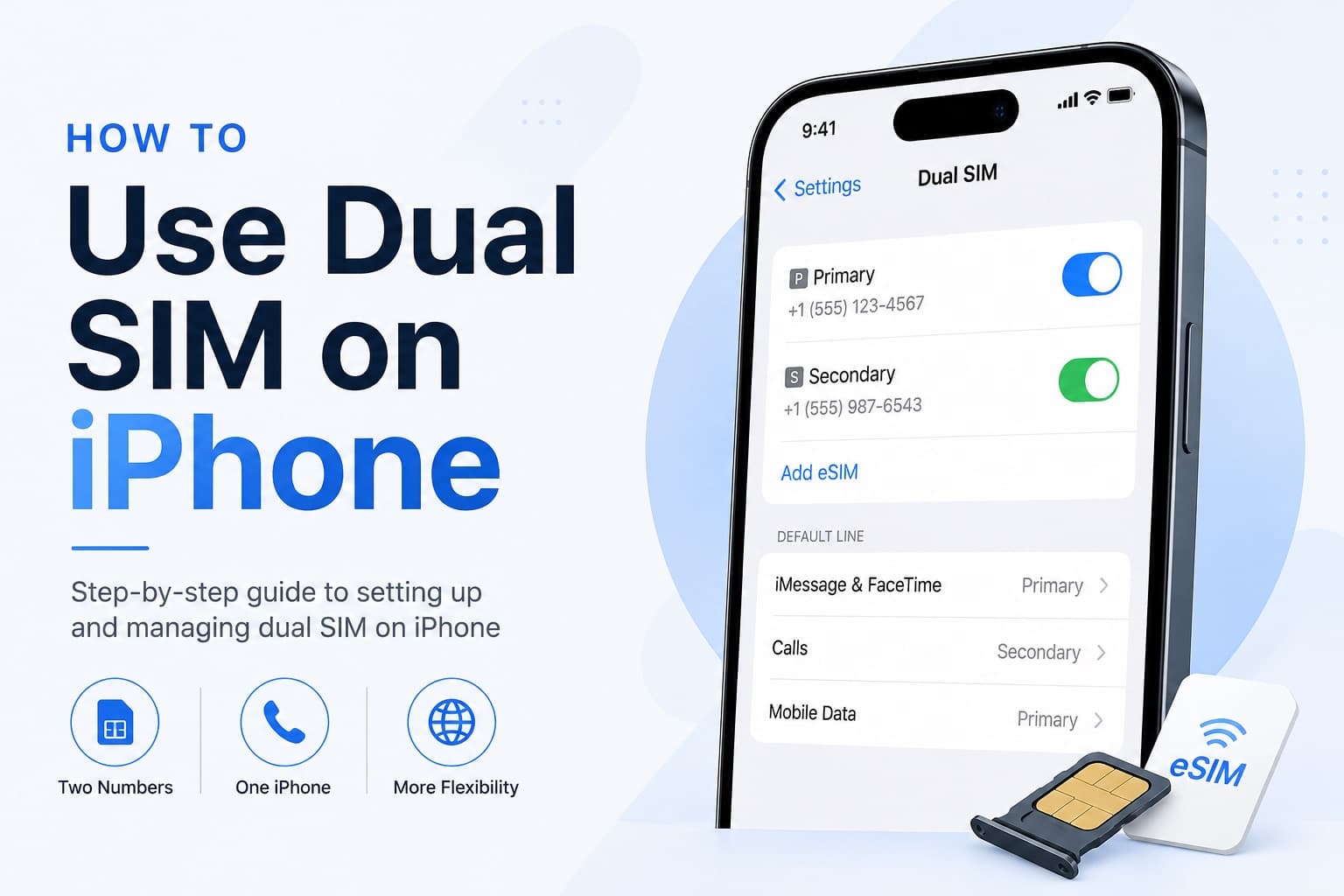
How to Receive SMS and Bank Texts Abroad Using a Travel eSIM
A properly configured dual-SIM iPhone lets you receive bank texts and 2FA codes on your home number while running affordable data through a travel eSIM. This guide walks you through every setting you need to configure before you fly.
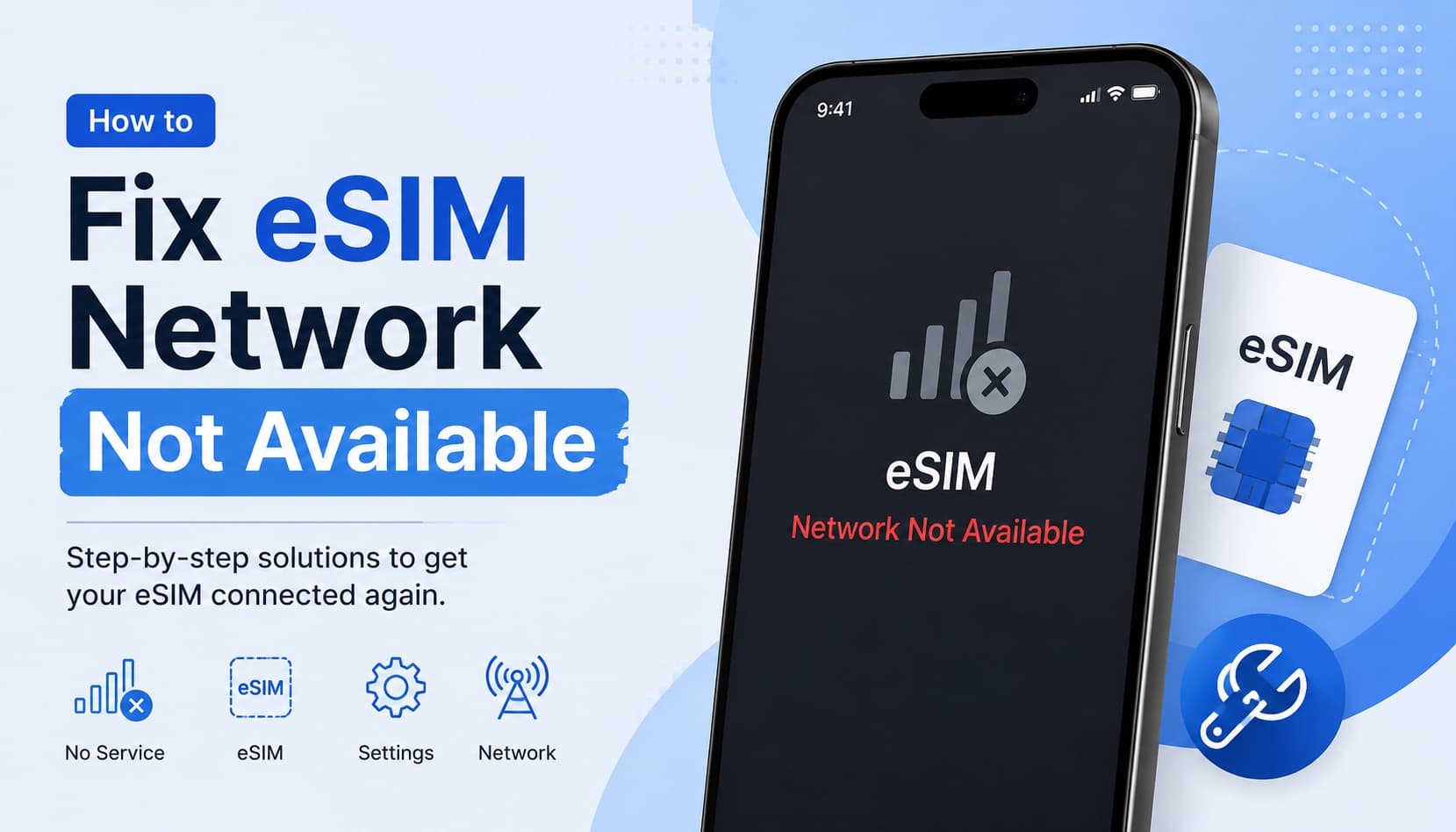
Fixing eSIM Network Not Available: Multi-Network Switching vs QCI Priority
The eSIM network not available error usually comes down to one of three causes: no supported partner network in range, an activation issue, or a settings problem blocking cellular data. This guide explains how to diagnose each one and fix it fast.