On this page
Switching between eSIMs is simple once you know where your phone hides the right settings and which line controls data, calls, and texts.
If you travel often, learning how to manage eSIM profiles can save you time, cut roaming costs, and make border crossings much easier. You can usually store multiple eSIM profiles on one phone, turn the one you want on or off in settings, and land in a new country without touching a SIM card.
That matters most when you use a travel eSIM for data and keep your home line active for calls or two-factor codes.
At Roamix, this is one of the most common travel setup questions. Many travelers want a plan that works the moment they land without swapping tiny plastic cards or standing in airport SIM lines.
Key Takeaways
- You can store multiple eSIMs and switch the active one in your phone settings.
- The right travel setup is usually home SIM for calls and travel eSIM for data.
- Regional plans reduce how often you need to change lines during a trip.
What To Know Before You Change Active Lines
Before you switch lines, you need to know what your phone can store and what it can actively use. You also need to know how your device handles dual SIM mode.
Those details affect whether your travel eSIM works smoothly or turns into a settings problem at the airport.
How eSIM Differs From a Physical SIM
A physical SIM is the small plastic card you insert into your phone. An eSIM is an embedded SIM, which means the SIM function is built into the phone as a digital SIM instead of a removable card.
Both connect you to a carrier plan. The key difference is convenience. With eSIM, you download a plan digitally, often by QR code or app, and switch plans in software.
As noted by Wired's explanation of how eSIMs work, this makes changing carriers or adding a travel line much faster than waiting for a new card. For travel, that means no SIM tray tool, no lost physical SIM, and no need to remove your main line.
How Many eSIM Profiles You Can Store vs Activate
Most modern phones let you store multiple eSIM profiles. The exact number depends on the device model and carrier rules.
Apple notes in its iPhone eSIM setup guidance that iPhones can manage up to eight or more eSIMs on supported models. Storage is not the same as activation. You may be able to store many cellular plans, while only one or two lines can stay active at the same time.
That is why travelers often keep multiple eSIM profiles saved, then switch the active one when they change countries or data plans. If you want to switch between eSIMs from different providers, your phone usually needs to be unlocked.
What Dual SIM and DSDS Mean in Real Use
Dual SIM means your phone can use two lines. That can be one physical SIM plus one eSIM, or dual eSIM on supported phones. DSDS means Dual SIM Dual Standby. Both lines can stay available for calls and texts while your phone waits on both networks.
One line is often your home number and the other is your travel data line. For travelers, this setup works best. You keep your regular number reachable while your travel eSIM handles cellular data.
How To Switch Data Plans on iPhone and Android
Switching eSIMs usually takes less than a minute once the profile is already installed. The important part is not just turning on the right line, but making sure your phone uses that line for cellular data instead of the wrong network.
Switching on iPhone in Cellular Settings
On iPhone, go to Settings > Cellular. You should see your available lines listed by label or carrier name. Tap the line you want to use, then turn on Turn On This Line if it is off.
To switch data, go back to Cellular Data and choose the eSIM you want for internet access. You may also see Allow Cellular Data Switching. If you want strict control and fewer surprise charges, keep that off during international travel. If it is on, your iPhone may switch data lines when coverage changes.
Switching on Android in SIM Manager or Network Settings
On Android, the path depends on the brand. On Pixel phones, you usually go to Settings > Network & Internet > SIMs. On Samsung Galaxy devices, you usually go to Settings > Connections > SIM Manager.
This matches the steps described in Wired's Android setup overview. Choose the eSIM you want to activate, then set it as the preferred line for mobile data.
Choosing the Right Line for Calls, Texts, and Data
Do not assume one switch changes everything. Your phone usually lets you choose separate defaults for calls, texts, and cellular data.
For travel, the cleanest setup is usually:
- Home SIM for calls and SMS
- Travel eSIM for cellular data
- Data roaming on only for the travel eSIM if required by the provider
If you call someone often from your second line, check your default outgoing line first. Verizon's dual SIM iPhone guidance shows how line choice affects which number people see when you call.
Best Setup for International Travel
A good travel setup keeps your main number available and moves data to a lower-cost travel line. That helps you use maps, rideshare apps, and messaging the moment you land without paying home carrier roaming rates.
Using Your Home SIM for Calls and a Travel eSIM for Data
This is the setup most experienced travelers prefer. You leave your home SIM active for calls, texts, and login codes, then assign your travel eSIM as the data line.
That gives you three benefits:
- You keep your regular number
- You avoid most roaming charges on data
- You do not need to remove a physical SIM
This setup works best when you install the travel eSIM before departure and label it clearly, such as "Japan Data" or "Europe Trip." That removes guesswork when you are tired after a long flight.
When To Choose a Country Plan vs a Regional eSIM
Choose a country plan when you are staying in one place for most of the trip. It is simple and often the most cost-effective option.
Choose a regional eSIM when you are moving across borders. If your trip includes France, Italy, and Spain in one week, changing plans mid-trip adds work you do not need. A regional plan keeps your mobile network setup stable across multiple countries.
How To Avoid Roaming Charges When You Land
Before takeoff, check these settings:
- Install the travel eSIM over Wi-Fi
- Set the travel eSIM as your cellular data line
- Turn off data roaming on your home SIM
- Turn on data roaming on the travel eSIM if required
- Confirm your device is unlocked
If your home line is still the active data line, your phone may use it the moment you land.
Common Problems After Switching and How To Fix Them
Most problems after switching are not activation failures. They are settings issues. In practice, the fix is often one or two taps in the right menu.
No Data After Activation
If your eSIM shows active and still has no data, check these first:
- The eSIM line is turned on
- Cellular data is assigned to that line
- Data roaming is enabled if your provider requires it
- You have arrived in a supported destination
- Airplane mode has been turned off and on once
On Android, also look under mobile network settings for manual network selection if automatic connection fails.
Wrong Line Selected for Mobile Data
This is one of the most common issues when you switch between eSIMs. Your phone may show both lines as active, while the wrong one is still selected for cellular data.
On iPhone, recheck Settings > Cellular > Cellular Data. On Android, recheck SIM Manager or Network & Internet > SIMs. If your home line is selected, your travel data plan will not be used.
Why Renaming eSIMs Helps Prevent Mistakes
Renaming lines is a small step that prevents big errors. If your phone lists two plans as "Primary" and "Secondary," it is easy to tap the wrong one.
Use clear labels like:
- Home US
- Europe Data
- Work Line
- Backup Plan
This makes eSIM management much easier, especially if you switch between eSIMs across multiple countries.
When Roamix Makes More Sense Than Local SIM Swaps
If your goal is simple travel connectivity, a travel eSIM is often easier than buying local SIMs in each country. Roamix is especially useful when you want to set up once, keep your physical SIM in place, and avoid changing cellular plans during the trip.
Faster Setup Before Departure With Instant QR Delivery
With Roamix, your eSIM is typically delivered by email and in your dashboard within about 60 seconds of purchase. You can install it before you leave home on stable Wi-Fi, then let it activate when you connect at your destination.
That is a much smoother process than finding a local SIM shop after landing. It also reduces the usual problems tied to physical SIM swaps, like losing your home SIM or using the wrong tray.
Why Regional and Global Plans Reduce Mid-Trip Changes
Roamix offers country plans, regional eSIM options, and a global plan covering 130+ countries. If your trip crosses borders, that matters.
A Europe regional plan, for example, can cover 30+ countries with one purchase. Instead of switching eSIMs every few days, you keep one line active and continue using the same setup in each country.
How Roamix Helps Travelers Stay Connected Across Borders
Roamix is built for travelers who need data working quickly. You get plans for 190+ countries and territories, 4G LTE and 5G where available, hotspot support on standard plans, and 24/7 human support.
Roamix also helps reduce latency through global IP breakouts, which can improve speed by connecting you more locally instead of routing data far away.
Practical Tips for Managing Multiple Profiles Smoothly
If you store several eSIMs on one phone, organization matters as much as activation. A few simple habits make switching faster and help you avoid deleting the wrong plan or leaving the wrong line active.
Labeling Lines for Work, Personal, and Travel
Label every line as soon as you install it. Do not leave names as "Business," "Secondary," or random carrier labels if you manage multiple eSIM profiles.
A useful format is:
- Home Personal
- Work US
- Italy Data
- Europe Backup
When you open SIM manager or cellular plans settings, you will know exactly which line controls what.
When To Keep More Than One Plan Installed
Keep more than one plan installed if you travel often, cross borders, or want a backup. You might store multiple eSIMs for separate regions, then switch between eSIMs only when needed.
This is especially useful if one plan expires later in the month or if you want a second option for a weak coverage area.
What To Know Before Deleting or Moving an eSIM
Do not delete an eSIM just because you turned it off. Turning off a line is reversible. Deleting the profile may not be. Many travel eSIMs are tied to one device only.
Once removed, some can be re-downloaded and some cannot. Before deleting or moving an eSIM, check your provider's rules. Contact support if you may switch phones. With Roamix, each purchased eSIM is tied to one device, so support should be contacted before deleting the profile or changing devices.
Frequently Asked Questions
How do I switch the active cellular plan on an iPhone using eSIM?
Go to Settings, then Cellular, tap the line you want, and turn on that line if it is off. Then go to Cellular Data and select the eSIM you want to use for internet access. If you are traveling, keep your travel eSIM as the data line and turn off data roaming on your home line.
How can I toggle between multiple eSIM profiles on Android devices?
Open Settings, then look for Network and Internet, then SIMs, or Connections, then SIM Manager, depending on your phone model. From there, you can turn a profile on or off and set the preferred line for calls, texts, and data. If switching fails, confirm the phone is carrier-unlocked.
Can I store multiple eSIM plans on an iPhone and change between them when needed?
Yes. Supported iPhones can store multiple eSIM profiles, with many models able to manage eight or more. You may be limited in how many can stay active at the same time. Stored and active are not the same thing.
Why do I see two eSIM entries showing the same phone number on my device?
This can happen when your carrier has multiple profile records or a transfer did not clean up an old line. Check which line is active for data and calls, then rename each entry so you can tell them apart. If both appear tied to the same number and you are unsure which to remove, contact your carrier first.
Will switching the active eSIM affect iMessage, FaceTime, or SMS delivery?
It can. iMessage and FaceTime may continue using the number or Apple ID already registered. SMS depends more directly on which line is active for that number. After switching, review your messaging settings if texts stop arriving on the expected line.
Do I need an internet connection or carrier approval to switch between saved eSIM plans?
If the eSIM profiles are already installed, switching between saved plans usually happens in phone settings without a new approval step. You may need internet access or carrier input when first adding, transferring, or re-downloading an eSIM. For travel, it is best to install everything before departure while you still have stable Wi-Fi.
More in How-to

How to Unlock Your Phone for an International eSIM
The most common reason a travel eSIM fails to activate is that the phone is still carrier-locked. Here is how to check your lock status, request an unlock from AT&T, Verizon, or T-Mobile, and get your phone ready before you fly.
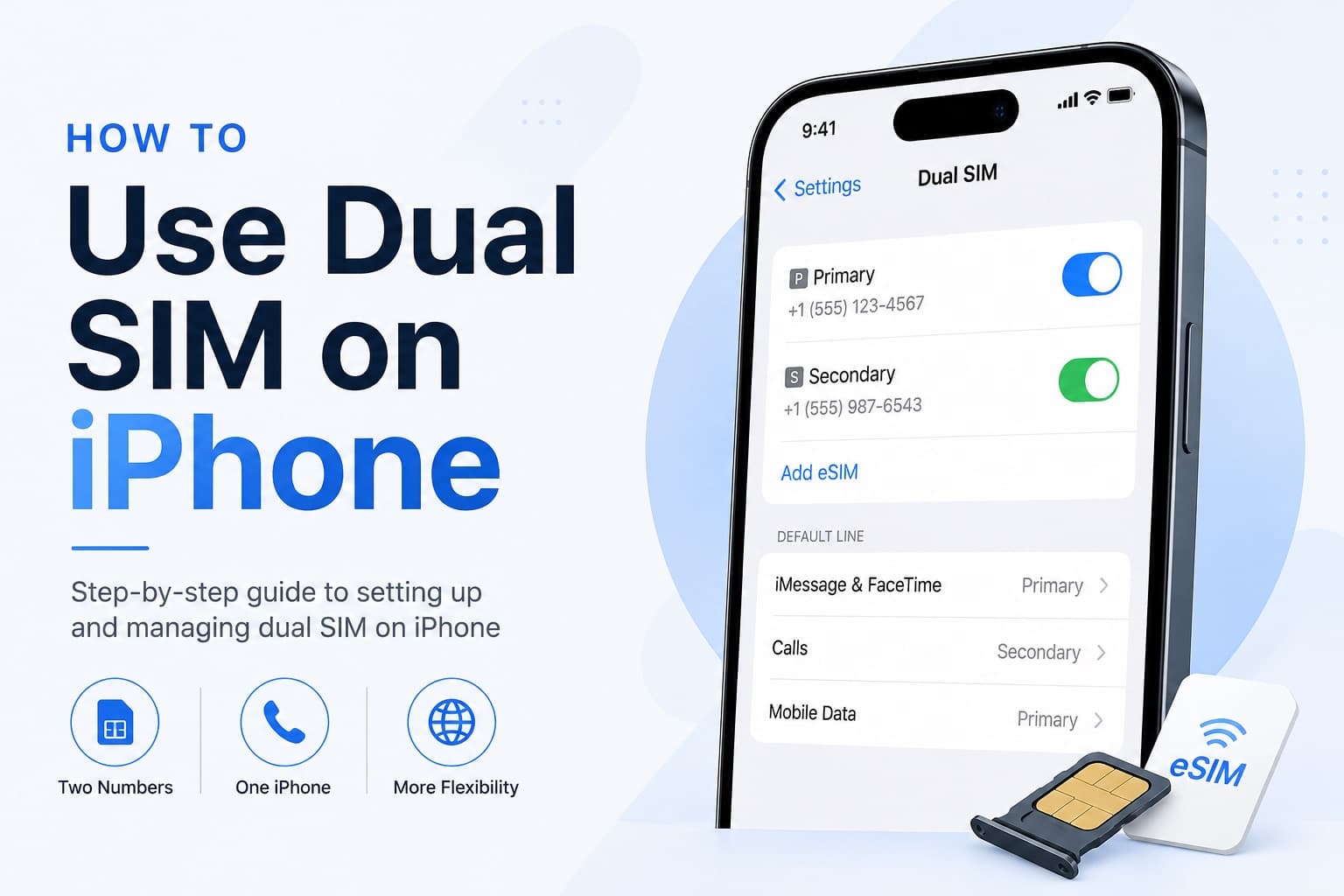
How to Receive SMS and Bank Texts Abroad Using a Travel eSIM
A properly configured dual-SIM iPhone lets you receive bank texts and 2FA codes on your home number while running affordable data through a travel eSIM. This guide walks you through every setting you need to configure before you fly.
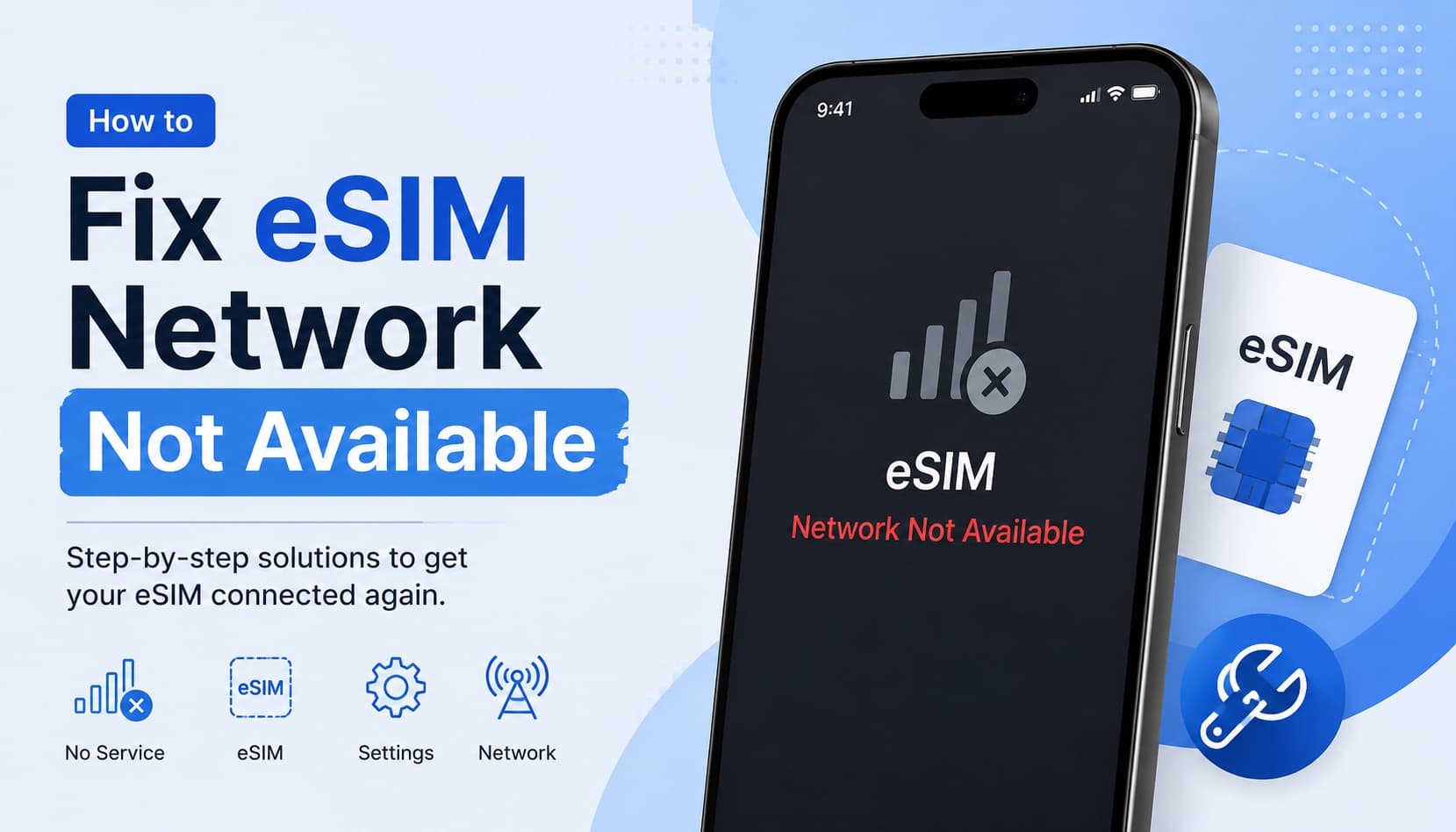
Fixing eSIM Network Not Available: Multi-Network Switching vs QCI Priority
The eSIM network not available error usually comes down to one of three causes: no supported partner network in range, an activation issue, or a settings problem blocking cellular data. This guide explains how to diagnose each one and fix it fast.