
On this page
If you've ever landed in a foreign country, opened Messages, and felt a wave of anxiety about what your phone bill might look like at the end of the trip, you're not alone. The question comes up constantly among iPhone users: is iMessage free internationally, or will sending a few texts abroad cost you?
The short answer is that iMessage itself has no international fees. It runs entirely over the internet, so as long as your phone has a data connection, whether through Wi-Fi or a mobile data plan, your messages travel the same way they do at home. No per-message charges, no international texting rates, no carrier involvement at all.
The longer answer is that your connection method matters a lot. Using hotel Wi-Fi keeps things free, but it leaves you stranded the moment you step outside. Letting your home carrier handle data roaming abroad is where the real costs lurk. And if iMessage silently falls back to SMS because your signal drops, those green bubbles can turn into real charges fast.
This guide walks you through exactly how iMessage works when you travel, which settings to change before you leave, and how to set up your iPhone so you stay connected without unexpected fees. If you want a simple, affordable data connection that keeps iMessage running wherever you go, Roamix offers eSIM plans for 190+ countries starting at just a few dollars, delivered to your inbox in under 60 seconds. Browse plans at roamix.app before your next trip.
What Actually Determines Whether You Pay
The cost of using iMessage abroad has nothing to do with Apple and everything to do with how your phone is connecting to the internet. Whether you pay comes down to three variables: your connection type, your carrier's roaming policy, and whether your phone silently switches from iMessage to SMS.
Why iMessage Itself Does Not Have International Fees
iMessage is not a carrier service. Apple built it to run over the internet using Wi-Fi or mobile data, the same way WhatsApp or email works. When you send a message that shows as a blue bubble, that message travels through Apple's servers over your existing internet connection. Apple charges nothing for this, and no carrier can bill you specifically for iMessage traffic.
This is true whether you are messaging someone in the same city or someone on the other side of the world. The recipient's location does not matter. What matters is how your phone is connected at the moment you hit send.
When Mobile Data Can Still Cost Money Abroad
The issue is not iMessage. The issue is the data connection powering it. If your home carrier's SIM is active and data roaming is enabled, your carrier can charge international roaming rates for every megabyte your phone uses, including the tiny amount iMessage consumes.
US carriers like AT&T and Verizon typically charge around $10 to $15 per day for international data roaming, or apply steep per-MB fees if you are not on an international add-on. iMessage uses minimal data per message, but if roaming is active, you are paying for the connection itself.
Why SMS And MMS Are The Real Billing Risk
SMS and MMS are a completely different system. They run on your carrier's cellular network, not the internet. An international SMS from a US number can cost $0.25 to $0.50 per message depending on your plan. MMS, used for photos and videos, can cost even more.
The hidden danger is that iMessage can fall back to SMS automatically if your internet connection drops. When that happens, your message sends as a green bubble and goes through your carrier, which means carrier rates apply. Turning off "Send as SMS" in your settings is one of the most important steps before traveling.
iMessage Vs SMS: How To Spot The Difference Fast
Knowing which type of message your iPhone is sending takes about one second once you know what to look for. The bubble color and a few subtle interface details tell you everything about whether you are using the internet or your carrier's SMS network.
Blue Bubbles Vs Green Bubbles
Blue bubbles mean iMessage is active. Your message is traveling over the internet, and no carrier charges apply beyond whatever data plan you are using. You will also see delivery receipts labeled "Delivered" or "Read" underneath the message when the other person has those features enabled.
Green bubbles mean your iPhone sent the message as a standard SMS or MMS through your carrier. Internationally, that almost always means charges. If you see green bubbles while abroad and you have not disabled "Send as SMS," your carrier is likely billing you for each one.
When iPhone Falls Back To Carrier Texting
Your iPhone does not ask permission before switching from iMessage to SMS. If your internet connection is weak or drops entirely, and "Send as SMS" is toggled on in your settings, the phone quietly resends your message as an SMS through your carrier line.
This happens most often in spotty Wi-Fi environments like hotel lobbies, underground transit stations, or crowded airports. It can also happen when you first land and your eSIM has not yet connected to a local network. One moment of poor signal can trigger a carrier-billed message without any warning.
What Send & Receive Tells You About Delivery
Go to Settings > Messages > Send & Receive to see which contact points your iPhone uses to send and receive iMessages. You should see your phone number and your Apple ID email listed there.
If your phone number is missing from Send & Receive, iMessages sent to your number may not deliver correctly. This is worth checking before travel because some dual-SIM configurations can cause your number to drop from the list temporarily. Confirming both your Apple ID and phone number are listed ensures iMessage works the way you expect it to.
Set Up Your iPhone Before You Travel
The best time to configure your iMessage settings is before you leave home, not while standing at the airport gate trying to troubleshoot a green bubble. A few minutes of preparation eliminates the most common sources of unexpected charges.
Turn On iMessage In Settings > Messages
Open Settings, scroll down to Messages, and confirm the iMessage toggle is switched on. It sounds obvious, but iMessage can sometimes get disabled after a carrier update or iOS upgrade without you noticing.
While you are in the Messages settings, look for the "Send as SMS" toggle and note its current state. You will be turning this off in a moment.
Check Apple ID Phone Number And Send & Receive
Still in Settings > Messages, tap Send & Receive. Confirm that both your Apple ID email address and your phone number are listed under "You can be reached by iMessage at."
If your phone number is not there, tap it to add it. This ensures that people who message your number reach you via iMessage rather than SMS. It also means you can still receive iMessages on your number while using a separate eSIM line for data while abroad.
Turn Off Send As SMS To Avoid Surprise Charges
Back in Settings > Messages, find the Send as SMS toggle and turn it off. This is the single most important setting change before international travel.
With this off, if iMessage cannot send a message because your data connection is unavailable, the message will not fall back to SMS. It will simply show as "Not Delivered" and wait until your connection is restored. That might feel less convenient, but it completely eliminates the risk of accidental carrier charges on your home line while traveling.
Use The Dual-SIM Method To Avoid Roaming On Your Home Line
The dual-SIM method is the cleanest solution for travelers who want to keep their primary number active for calls and texts while avoiding any roaming charges on that line. Most modern iPhones support this natively, and the configuration takes less than five minutes.
Keep Your Primary Number Active For Calls And Texts
Your home SIM stays in place. You are not removing it or deactivating it. The goal is simply to prevent your home carrier from being used for data abroad, while still being reachable on your regular number for calls and SMS if someone needs to reach you the old-fashioned way.
This matters because some contacts, banks, and two-factor authentication systems still send verification codes via SMS to your home number. Keeping that line active, just not using it for data, gives you the best of both worlds.
Turn Off Data Roaming On Your Home Carrier Line
Go to Settings > Cellular (or Settings > Mobile Data, depending on your iOS version). Tap on your primary carrier line. Find Data Roaming and toggle it off.
This step is critical. With data roaming off on your home line, your carrier cannot bill you for any data usage abroad. Your home number remains active for incoming calls and SMS, but your carrier's data network is completely off limits. No roaming charges can accumulate from accidental background app activity or iMessage traffic.
Set Your Travel eSIM As The Cellular Data Line
After installing your travel eSIM, go to Settings > Cellular and tap Cellular Data. Select your travel eSIM line as the source for mobile data.
Your iPhone will now route all data, including iMessage traffic, through the travel eSIM rather than your home carrier. Roamix eSIM plans, for example, connect you to local 4G LTE and 5G networks in 190+ countries, which means iMessage runs on affordable local data rates instead of expensive home carrier roaming. The setup stays in place automatically for the entire trip.
Using A Travel eSIM For Reliable Messaging Abroad
A travel eSIM is the most practical way to keep iMessage working consistently throughout a trip. It removes your dependence on hotel Wi-Fi, eliminates home carrier roaming fees, and gives you a data connection that follows you everywhere you go.
Why Wi-Fi Alone Is Not Enough For Many Trips
Hotel Wi-Fi works in your room. It usually does not follow you to the street, the train, the restaurant, or anywhere else you actually spend your day. Public Wi-Fi at airports and cafes is unreliable and often slow, and connecting to unsecured networks carries real security risks even when iMessage itself is end-to-end encrypted.
Relying entirely on Wi-Fi means accepting that your messaging, maps, and apps go dark the moment you step outside. For most travelers, that is not a workable solution.
How A Travel eSIM Keeps iMessage Working On The Move
A travel eSIM installs directly onto your iPhone without a physical card. Once you set it as your cellular data line and disable data roaming on your home carrier line, iMessage routes through the eSIM automatically. There is no configuration required every time you leave the hotel.
Roamix, for instance, delivers your eSIM QR code by email within 60 seconds of purchase. You install it at home over Wi-Fi before departure, and it activates automatically when your phone connects to a local network at your destination. iMessage keeps working exactly as it does at home, with no roaming fees and no interruptions.
What To Look For In An International Data Option
Not all travel eSIM providers are equal. Look for transparent pricing with no hidden fees, coverage in the specific countries on your itinerary, and clear data allowances. Regional plans are worth considering if your trip crosses multiple borders, since they cover the entire region with one purchase.
Hotspot tethering support is useful if you carry a tablet or laptop. Usage alerts help you track consumption so you are not caught off guard. Reliable 4G LTE connectivity is the baseline; 5G availability in major destinations is a bonus for faster speeds in cities where the infrastructure supports it.
What To Use When iMessage Is Not The Best Option
iMessage works beautifully when everyone involved is on an Apple device. The moment an Android phone enters the conversation, the dynamic changes completely, and a different approach often makes more sense for staying connected internationally.
Messaging Apple Users Across Borders
When you are messaging other iPhone users, iMessage handles everything. Distance and international borders are irrelevant since the message travels over the internet regardless. As long as both parties have a data connection, messages, photos, videos, and voice notes all go through Apple's servers without any carrier involvement.
The only complication is if the other person has poor connectivity at their end. In that case, the message will show as "Delivered" when it reaches Apple's servers but may not show "Read" until they reconnect.
Best Alternatives For iPhone To Android Chats
When your recipient is on Android, iMessage is not an option. Your iPhone will default to SMS or MMS for those conversations, which carries international charges if you are not careful. The practical fix is agreeing on a cross-platform app before you travel.
WhatsApp is the most widely used option globally and works identically on iPhone and Android over Wi-Fi or mobile data, and WhatsApp calls are free too. Signal offers stronger privacy with end-to-end encryption and works across platforms. Telegram is worth considering for group chats and file sharing, particularly for digital nomads coordinating with teams in multiple countries.
How To Reduce Data Use While Messaging
iMessage itself uses very little data for text messages. Sending high-resolution photos and videos is where consumption adds up. Use the built-in compression features or send links to shared albums instead of raw files when you are on a limited data plan.
Turn off automatic video playback in message threads and avoid sending large file attachments over cellular when Wi-Fi is available. For WhatsApp and Telegram, you can adjust media auto-download settings to prevent images and videos from downloading automatically and consuming your data allowance in the background.
Frequently Asked Questions
Will I be charged for sending iMessages to someone in another country?
No. iMessage does not charge you based on where your recipient is located. Charges only come from your data connection, specifically when your home carrier's data roaming is active and billing you for international data. If you use Wi-Fi or a travel eSIM with roaming off on your home line, the message is free.
Do iMessages count as SMS texts when messaging internationally?
No. iMessages are sent over the internet and are completely separate from your carrier's SMS system. They only become SMS if iMessage fails to send and your iPhone falls back to carrier texting. You can prevent that fallback by turning off Send as SMS in Settings, then Messages, before you travel.
Does iMessage work over Wi-Fi only, or does it use cellular data abroad?
iMessage works over both Wi-Fi and cellular data. When you are connected to Wi-Fi, it uses that connection. When you have a travel eSIM set as your cellular data line, iMessage uses that eSIM's data instead. Either way, it travels over the internet rather than your carrier's SMS network.
Can I send messages to international phone numbers using iMessage without extra fees?
Yes, as long as the recipient also uses an Apple device with iMessage turned on. The country of the phone number does not matter, because iMessage recognizes Apple users automatically and routes the message over the internet. Messages to Android users are sent as SMS or MMS instead and may be charged.
Do US carriers like AT&T or Verizon charge for iMessage while traveling internationally?
They do not charge specifically for iMessage, but they do charge for international data roaming, and iMessage uses data. If data roaming is on for your home carrier line, those roaming rates apply. Turning off data roaming on your home line and using a travel eSIM for data avoids these charges.
Does iMessage work when messaging someone who uses an Android phone?
No. iMessage only works between Apple devices, so messages to Android users are sent as SMS or MMS through your carrier, which can trigger international charges while you are abroad. Using a cross-platform app like WhatsApp or Signal for Android contacts avoids carrier texting fees entirely while you travel.
More in How-to
How to Unlock Your Phone for an International eSIM
The most common reason a travel eSIM fails to activate is that the phone is still carrier-locked. Here is how to check your lock status, request an unlock from AT&T, Verizon, or T-Mobile, and get your phone ready before you fly.
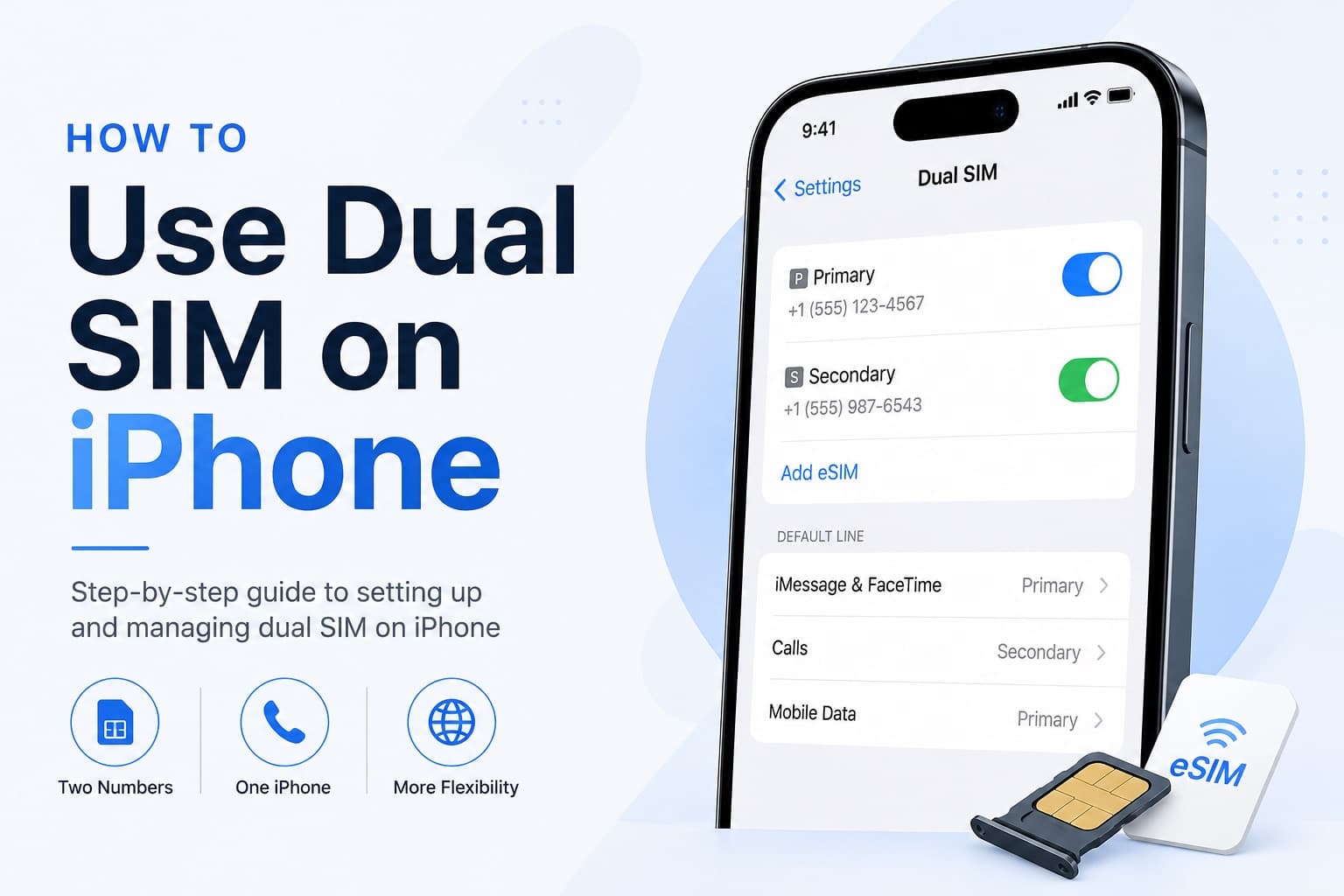
How to Receive SMS and Bank Texts Abroad Using a Travel eSIM
A properly configured dual-SIM iPhone lets you receive bank texts and 2FA codes on your home number while running affordable data through a travel eSIM. This guide walks you through every setting you need to configure before you fly.
Fixing eSIM Network Not Available: Multi-Network Switching vs QCI Priority
The eSIM network not available error usually comes down to one of three causes: no supported partner network in range, an activation issue, or a settings problem blocking cellular data. This guide explains how to diagnose each one and fix it fast.