On this page
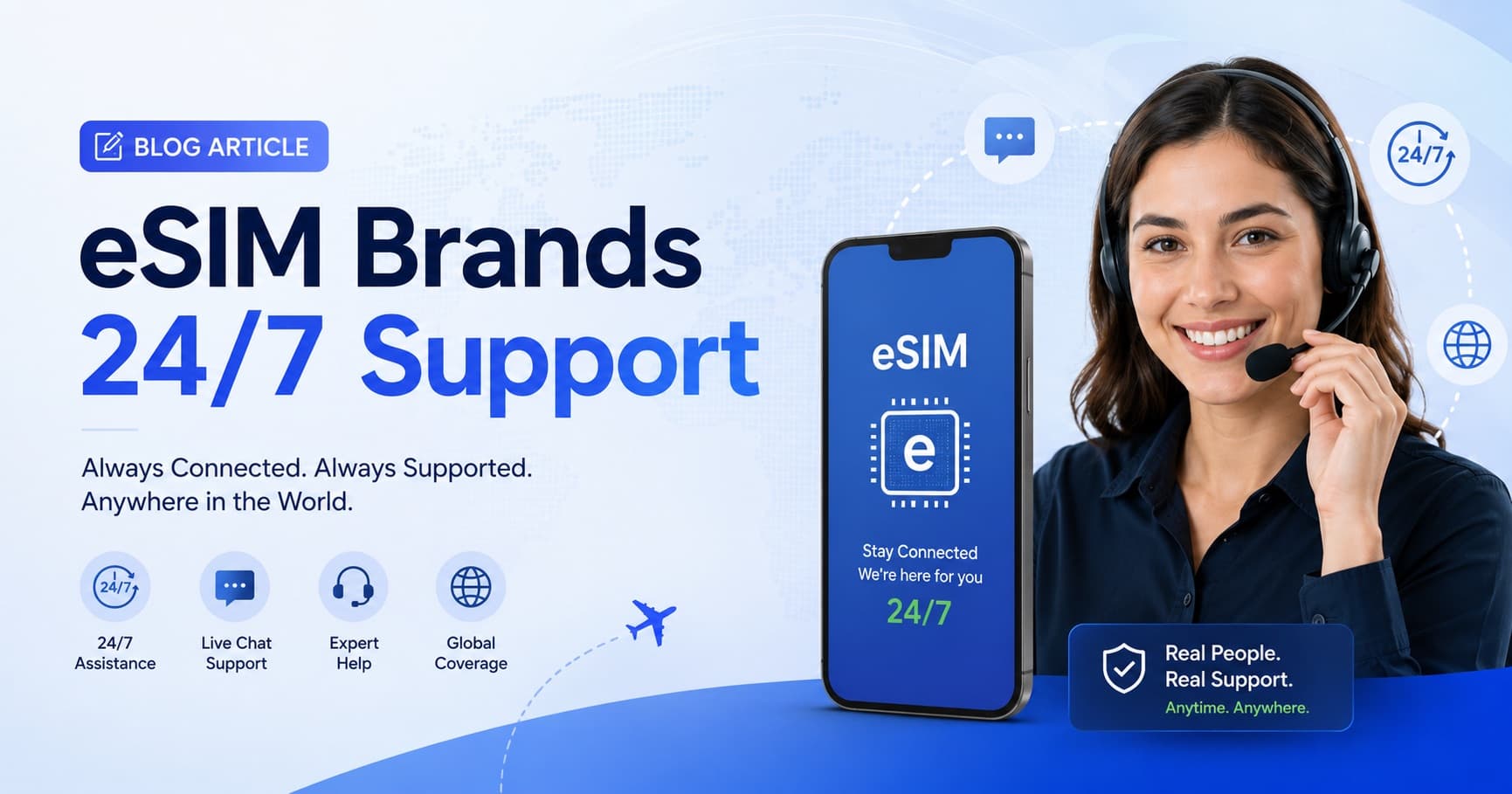
One of the less glamorous but genuinely important factors in choosing a travel eSIM is what happens when something goes wrong.
And something does go wrong, eventually, for a meaningful percentage of travelers. A QR code scan that fails. An eSIM that won't connect after landing. A data plan that seems to have disappeared. These are solvable problems — but only if someone on the other end responds quickly.
Here's how the major travel eSIM providers actually compare on support.
Why Support Matters More for Travel eSIM Than for Most Products
Travel connectivity is time-sensitive in ways that most products aren't.
If a streaming service has a glitch, you wait until tomorrow. If your travel data is down at midnight before a 6am flight, you have a real problem: no maps to get to the airport, no way to check your booking, no communication with your accommodation.
The gap between "responds in 4 hours" and "responds in 48 hours" is the gap between "got sorted before I left for the airport" and "traveled in a blind spot."
There's also the time zone problem. Travelers are usually operating in different time zones from their eSIM provider's home base. What's "business hours" for a provider in Amsterdam or Hong Kong may be 2am for a traveler in New York or 4am for someone in Tokyo. A provider that only operates business hours support leaves large parts of the world underserved at critical moments.
How Roamix Approaches Support
Roamix offers 24/7 customer support via email at support@roamix.app, with human agents and an average response time under 4 hours.
This covers:
- Activation failures and QR code issues
- Connectivity troubleshooting (eSIM not connecting on arrival)
- Data usage and balance questions
- Top-up assistance
- Refund requests (14-day window for uninstalled, unactivated plans)
- Device-specific setup guidance
The intent is to have someone available whenever a traveler actually needs help — not whenever it's convenient for the support team.
Why eSIM Support Is Different From Regular Tech Support
Most tech support involves helping users navigate software or hardware they own and are operating in a familiar environment. Travel eSIM support often involves:
- A traveler who has never set up an eSIM before and needs step-by-step guidance on device settings they haven't encountered
- Destination-specific network issues that require knowledge of partner carriers in specific countries
- Time-critical situations where the traveler is actively trying to reach somewhere and needs connectivity now
- Language and device variation — iPhones in different regions have different Settings menu labels; Android fragmentation means no two phones look the same in the Settings app
Good travel eSIM support requires agents who know device-specific setup steps across major phone models, understand common failure modes by destination, and can walk a stressed traveler through troubleshooting calmly and quickly.
What to Look For in eSIM Support Before You Buy
Availability hours. Is support available when you'll be traveling? 24/7 is the standard to look for. "Business hours" with no timezone specification is a red flag.
Channel. Email, live chat, and phone each have trade-offs. Email allows you to send screenshots and detailed information; live chat is faster for simple questions. Phone is the fastest but not always practical internationally. Roamix uses email for its full documentation trail and ability to handle complex troubleshooting.
Response time commitment. Look for stated response time targets, not just "we'll get back to you." Under 4 hours is reliable; 24–72 hours is not suitable for travel issues.
Human vs. automated. A chatbot that loops through FAQs is not a substitute for human support when your specific issue doesn't match the FAQ categories. Always verify whether initial support is human or bot.
Troubleshooting quality. The most reliable indicator is other travelers' reviews — look for support mentions specifically in travel forums, Reddit threads, and review sites like Trustpilot. Generic "great support!" comments matter less than specific accounts of issues being resolved.
Common Support Issues and What Good Responses Look Like
QR code scanned twice. Good response: "Your QR code was scanned successfully. Here's how to re-download the current code from your account dashboard [link]. Your eSIM profile is still associated with your order — it wasn't voided." Bad response: "Please purchase a new plan."
eSIM installed but no connection on arrival. Good response: "Please check the following settings: [step-by-step device-specific instructions for enabling Data Roaming and setting Roamix as the active data SIM]. If those are already correct, try toggling Airplane Mode. Still not connecting? [specific next steps]." Bad response: "Have you tried turning it off and on again?"
Plan used up mid-trip. Good response: "Log into your dashboard at roamix.app/dashboard, find your active eSIM, and add a top-up — it's available within minutes and no reinstallation is needed." Bad response: "Buy a new plan."
Being Prepared Before You Need Support
Most support requests are preventable. Before you travel:
- Install the eSIM at home over Wi-Fi — don't leave it until the airport
- Enable Data Roaming for the Roamix SIM in Settings before you depart
- Set Roamix as your cellular data SIM, not your home SIM
- Save the Roamix Help Center URL (roamix.app/help) to your bookmarks in case you need troubleshooting steps without data
The Roamix Help Center covers installation guides for iPhone, Samsung, Pixel, and other Android devices, along with the most common troubleshooting scenarios, organized by device and issue type.
When something does go wrong, contact support@roamix.app with your order number and device model — and include what you've already tried. This halves the back-and-forth and gets you to a solution faster.
Good support doesn't replace good documentation. But when the documentation doesn't cover your specific situation, having a knowledgeable human available at 3am is the difference that matters.
Frequently Asked Questions
Is live, round-the-clock support a standard offering for eSIM brands?
No — 24/7 human support is not universal across eSIM brands. Some providers offer only chatbot support or business-hours email with 24–72 hour response times. Roamix offers 24/7 human customer support via email with an average response time under 4 hours, including nights and weekends. When choosing an eSIM provider, verifying support availability is especially important because connectivity issues often occur outside normal business hours.
Does Roamix offer round-the-clock customer support?
Yes. Roamix provides 24/7 support via email at support@roamix.app. The average response time is under 4 hours. Support covers activation issues, QR code problems, data balance questions, refund requests, and troubleshooting — with human agents, not automated replies.
Why does support quality matter so much for travel eSIMs?
Travel eSIM issues tend to happen at the worst times — arriving at midnight, catching an early flight, or in a country with no other connectivity option. If your eSIM isn't connecting and your provider's next response is 48 hours away, you have no data for maps, emergency contact, or booking. Reliable support isn't a luxury feature for travel connectivity — it's a baseline safety requirement.
What are common reasons travelers need eSIM support?
The most frequent support requests involve: QR code scan failures (especially if scanned twice), Data Roaming setting not enabled after installation, wrong SIM set as active data line in Dual-SIM mode, device being carrier-locked (unable to use third-party eSIMs), and questions about top-ups or refund eligibility. Most of these can be resolved in a single exchange with a knowledgeable agent.
How do I contact Roamix support if my eSIM stops working?
Email support@roamix.app with your order number, device model, destination country, and a description of what's happening. Include what you've already tried (toggling Airplane Mode, checking Data Roaming settings, etc.). Roamix support is available 24/7 and responds within 4 hours on average.
What should I check before contacting support for an eSIM that isn't working?
Before contacting support, try these steps: (1) Confirm Data Roaming is enabled for the Roamix line in Settings > Cellular. (2) Confirm Roamix is set as the active data SIM, not your home SIM. (3) Toggle Airplane Mode on and off to force a network rescan. (4) Move outdoors if you're in a building with thick walls. (5) Check your Roamix dashboard to confirm your plan is active and has remaining data. These steps resolve the majority of connection issues without needing to contact support.
More in Reviews
Best eSIM Providers for International Travel (2026)
Coverage quality, latency, hotspot rules, plan flexibility, and support vary widely across travel eSIM providers. Here is a full breakdown of the best eSIM providers for international travel in 2026 and which one fits your trip.

Holafly Alternatives for Better Travel eSIM Value
A clear comparison of the best Holafly alternatives, covering pricing models, hotspot support, regional coverage, and which provider fits your travel style best.

Airalo Alternatives: Best eSIM Options in 2026
Comparing the top Airalo alternatives for 2026, from Roamix and Holafly to Nomad and Saily, based on coverage, pricing, hotspot support, and ease of use.